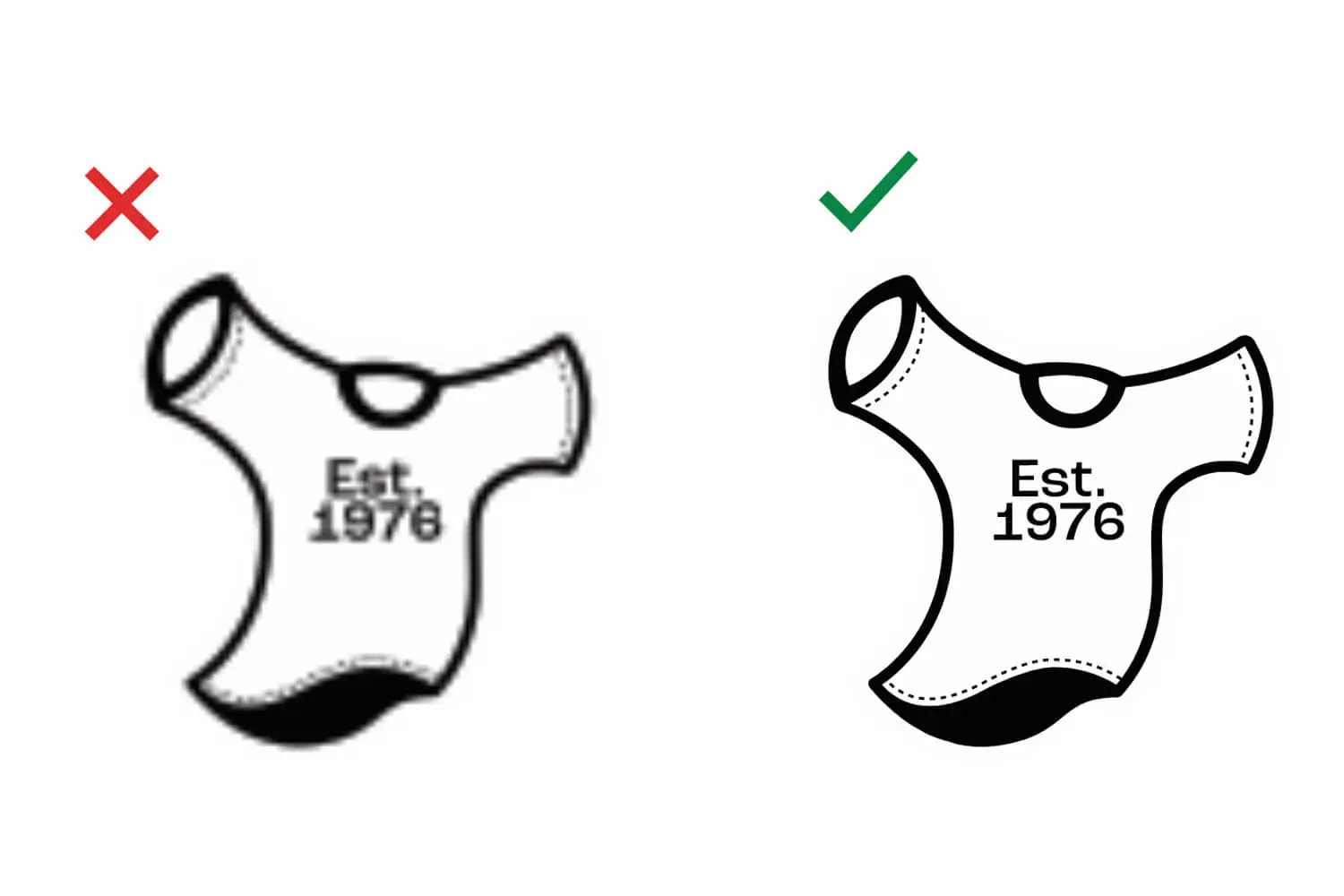
Great prints start with great artwork. The file you send us has a big impact on how sharp, clean, and vibrant your finished order looks. Here’s how to make sure your artwork is ready to go, a little prep saves time and gets you the best possible result.
Vector is king
For screen printing, we work with exclusively vector artwork — think .ai, .eps, or a .pdf with fonts included or converted to outlines. Vector files are built from lines and curves rather than pixels, so they scale to any size without ever getting blurry or jagged. That means the same logo looks crisp on a left-chest pocket print or a giant back design.
What about photos and logos?
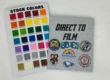
For direct-to-film prints, high-quality PNG files can work as well, and it’s perfect for full-color photos and detailed, multicolor artwork. Try to provide any photos or logos with a transparent background, without a solid color behind the logo. The higher the resolution, the better — a large, clear image always beats a small one stretched to fit.
How to send it
- Email your file to orders@theshirtcannery.com, or bring it in on a flash drive
- Upload it directly through our Free Quote form
- Include your fonts, or convert text to outlines so nothing shifts
A quick word on resolution
The most common artwork snag we see is a low-resolution image — usually one pulled from a website or a social media profile. Those look fine on a screen but can turn out fuzzy when printed. When in doubt, send us the largest, clearest version you have, and we’ll let you know if it’ll work.
No print-ready file? We’ve got you.
If you don’t have color-separated vector artwork, don’t worry — we can create it for you for an artwork fee. Bring us your idea, a sketch, or an old design, and our team will turn it into something print-ready. You don’t need to be a designer to get a great-looking shirt.
Let’s Make Something Great Together
Serving South Orange County since 1976. Call us at (949) 768-4102 for fast turnaround and low minimums.